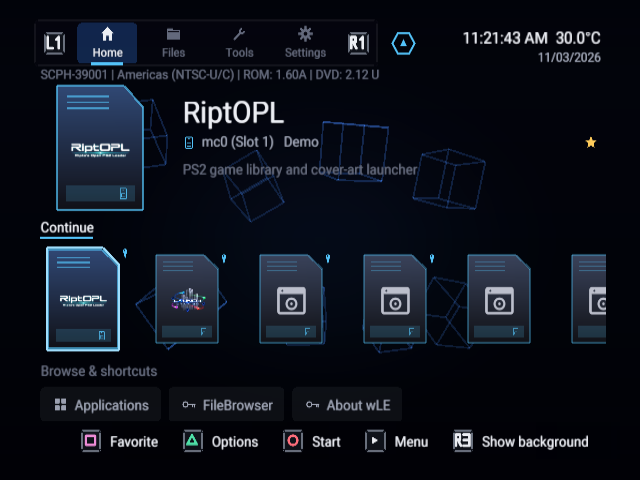
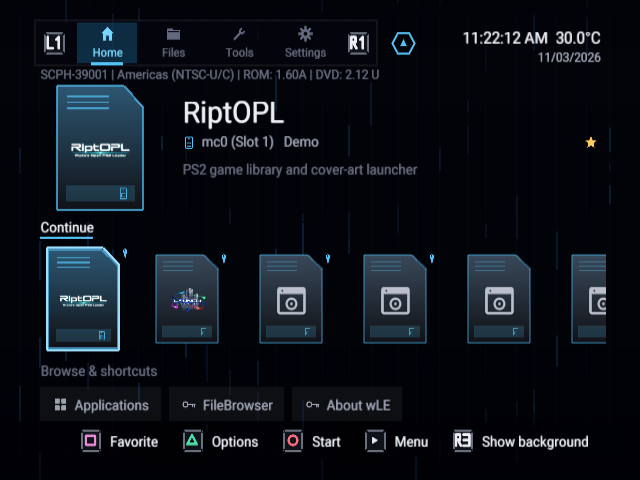
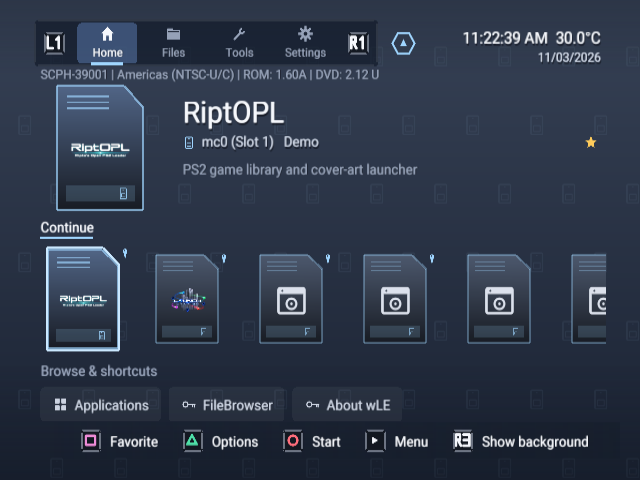
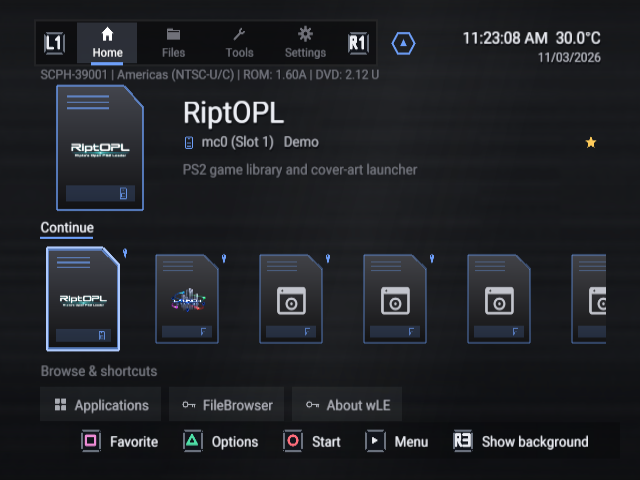
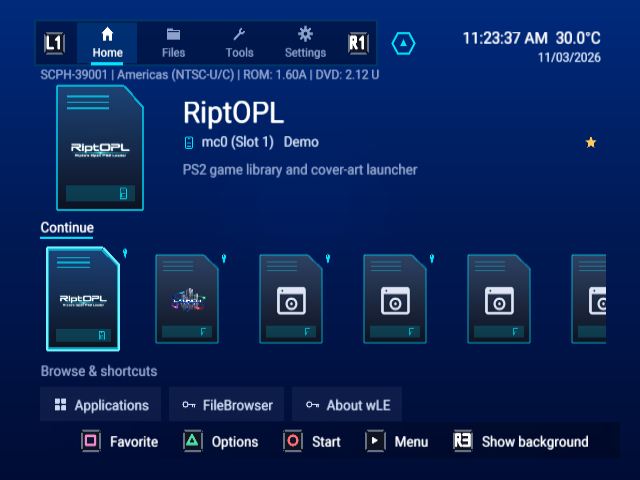
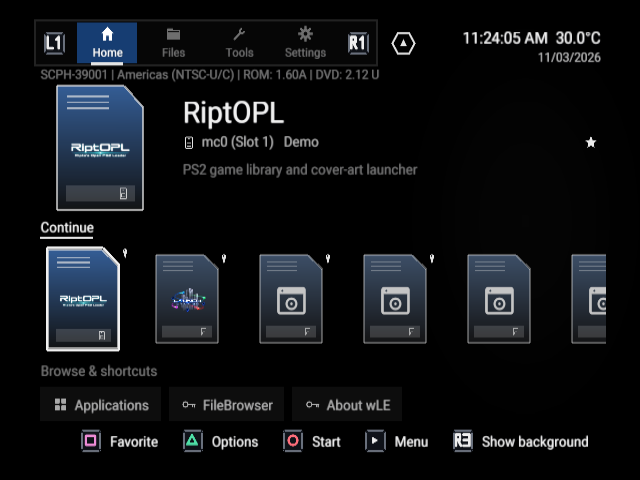
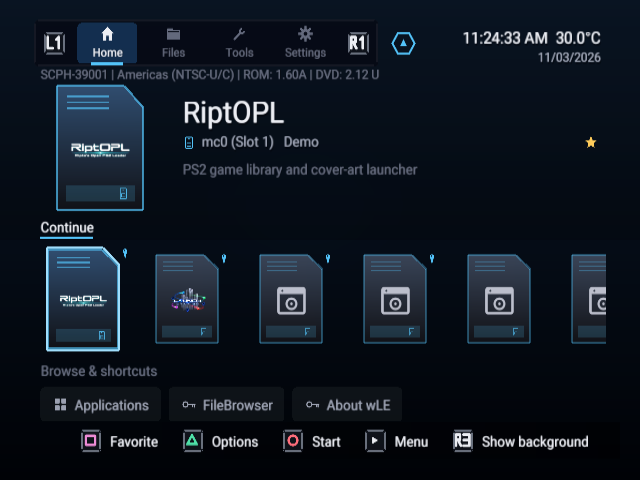
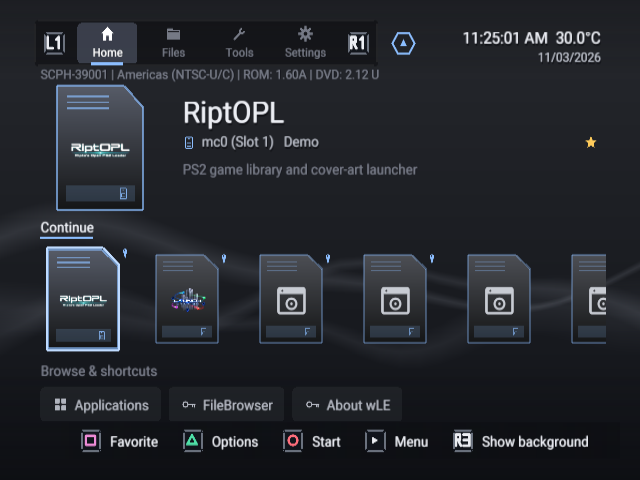
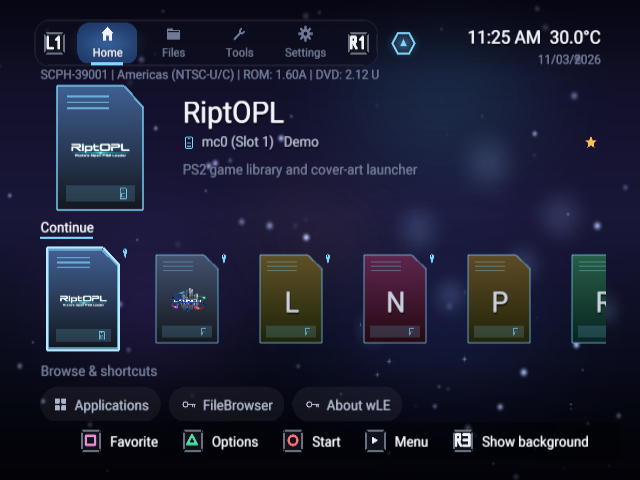
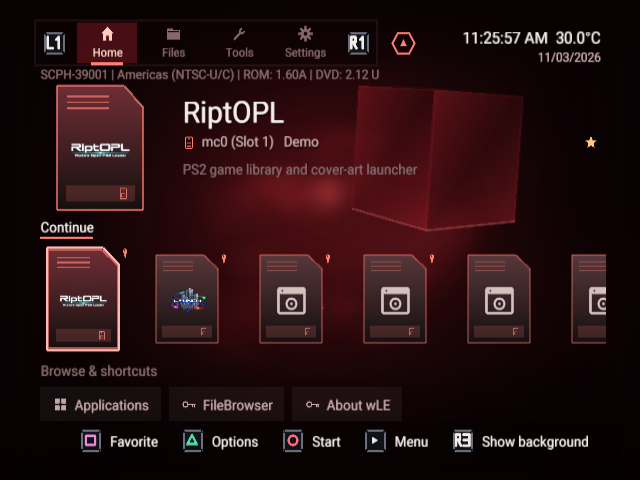
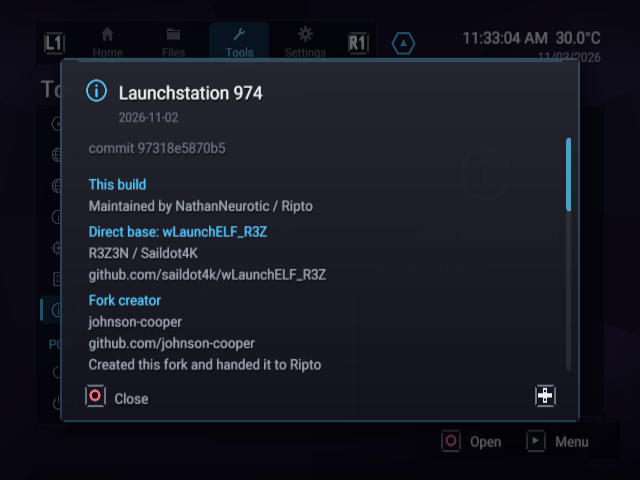
Every built-in theme, the application library and the dashboard tools, captured from the real released interface in RIPPCSX2.
Build 974, source 97318e5870b59ce32cae19312ed60415752ae9b3. The seven sample application files are non-bootable placeholders with example metadata. These are standard-definition 640 × 480 captures, not gameplay or physical-console test results.
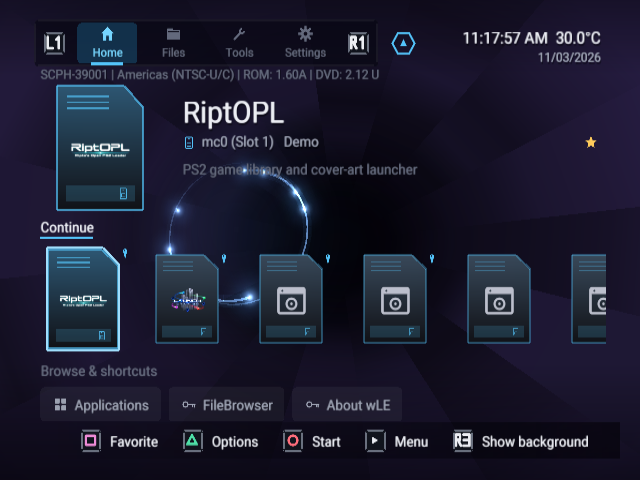
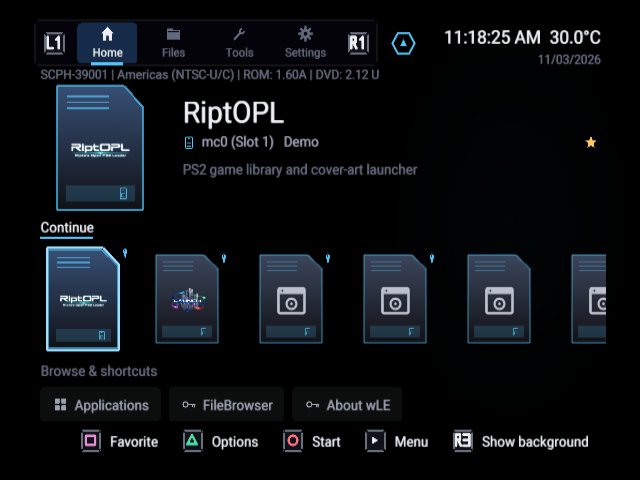
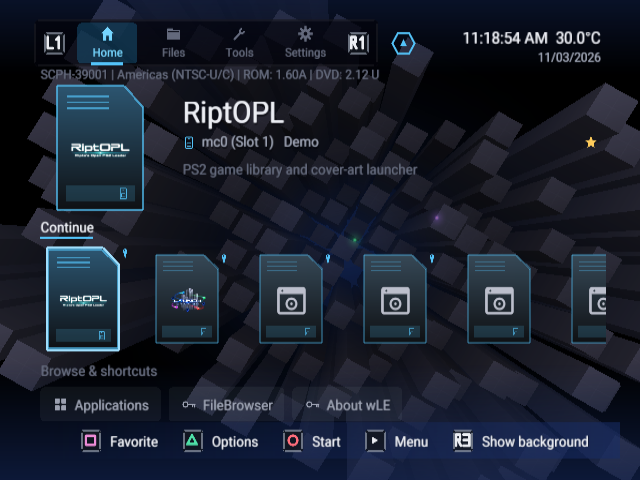
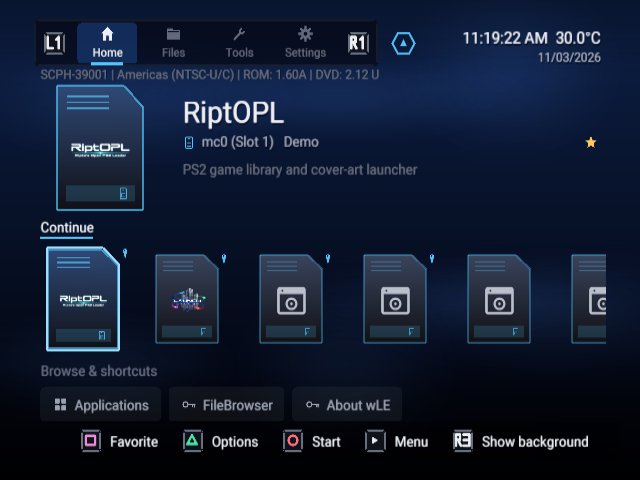
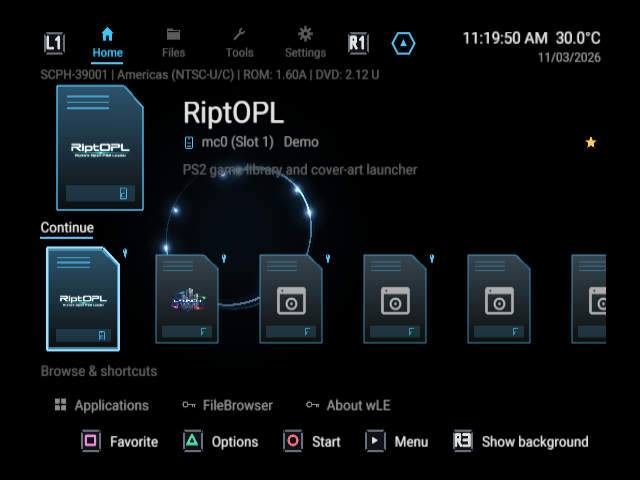
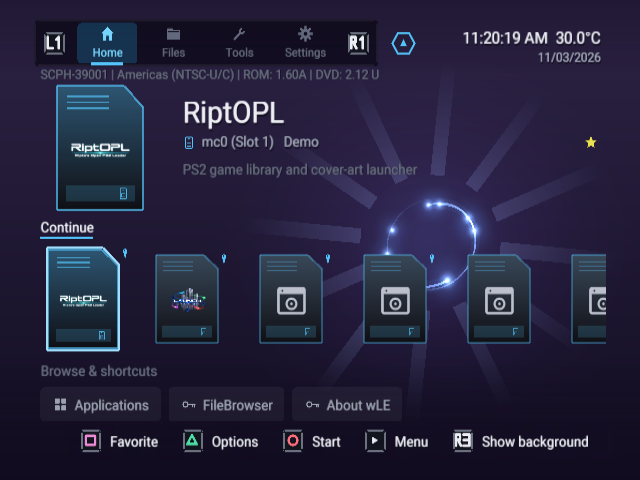
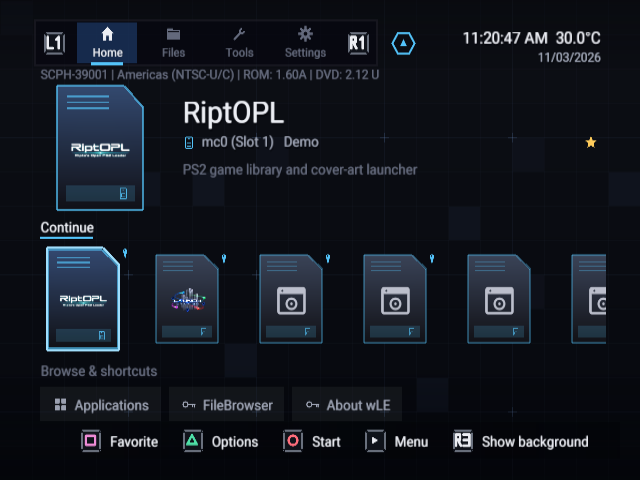
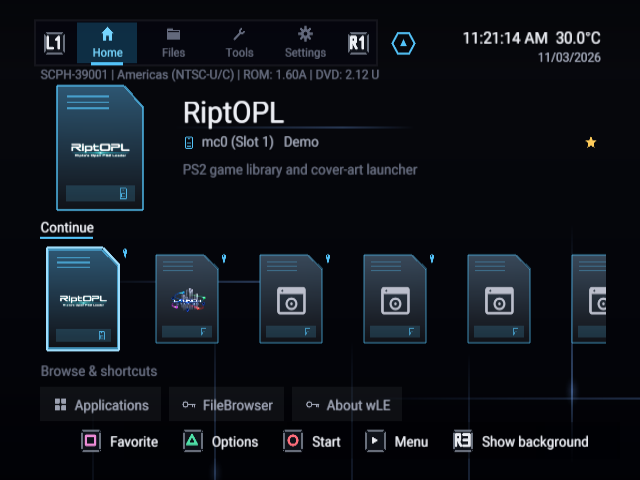
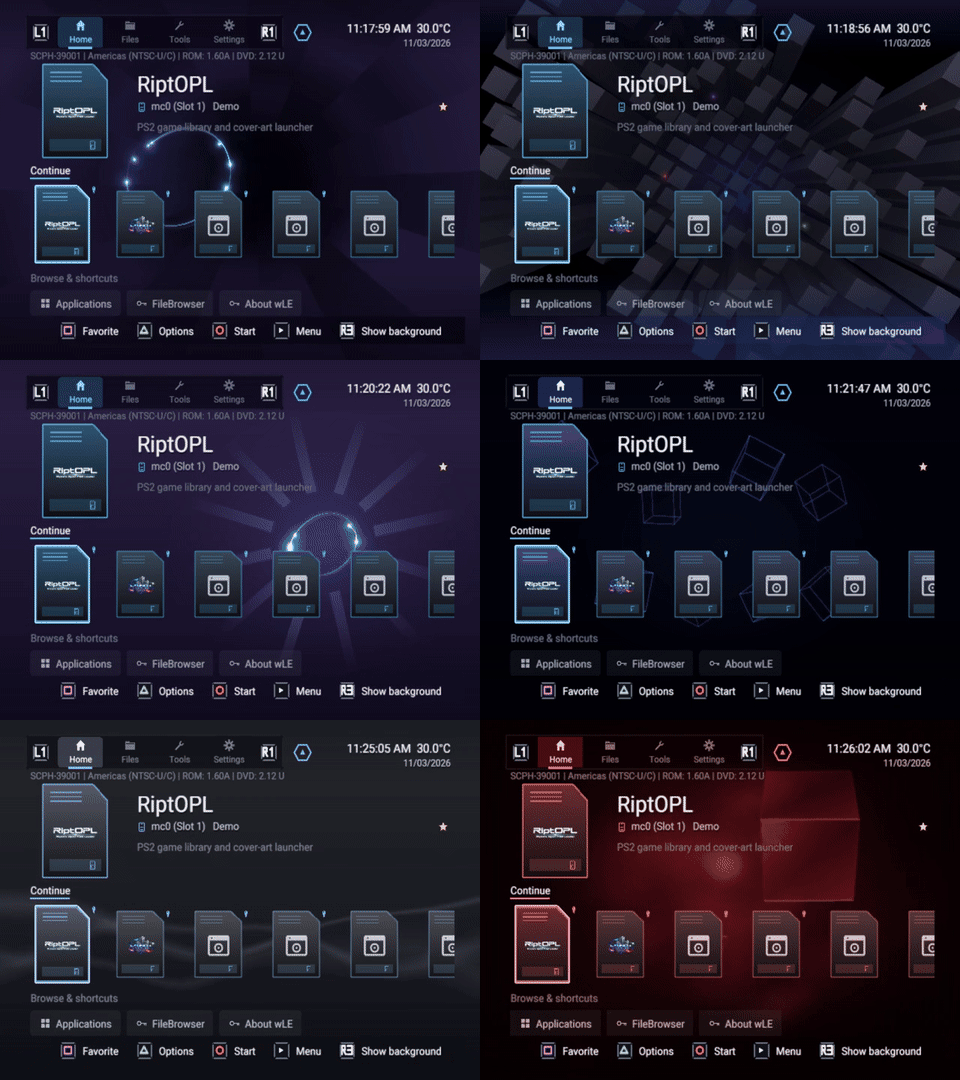
All 18 built-in themes
The same populated Home view makes each preset easy to compare. Open any screenshot at full size.
OSD Classic with the populated sample application libraryClassic Black with the populated sample application libraryPS2 Towers with the populated sample application libraryPS2 Blue Mist with the populated sample application libraryOSD Minimal with the populated sample application librarySystem Clock with the populated sample application libraryMemory Card Grid with the populated sample application libraryBoot Lines with the populated sample application libraryWireframe Cubes with the populated sample application libraryData Stream with the populated sample application libraryMemory Card Blue with the populated sample application libraryBrushed Console with the populated sample application libraryBIOS Blue with the populated sample application libraryMonochrome with the populated sample application libraryCRT with the populated sample application libraryPSX with the populated sample application libraryCrystal with the populated sample application libraryDisc Error Red with the populated sample application library
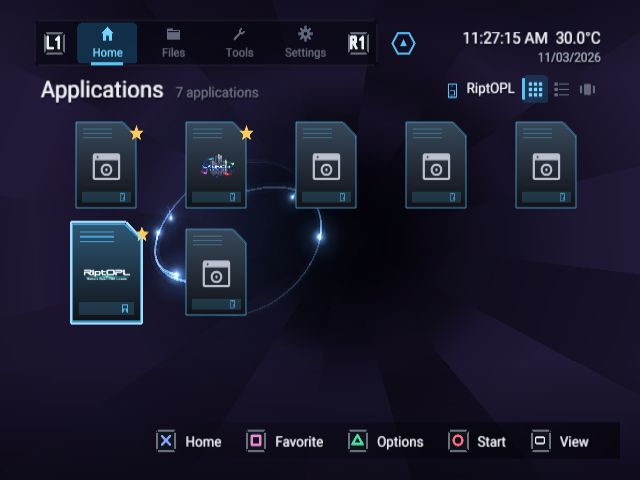
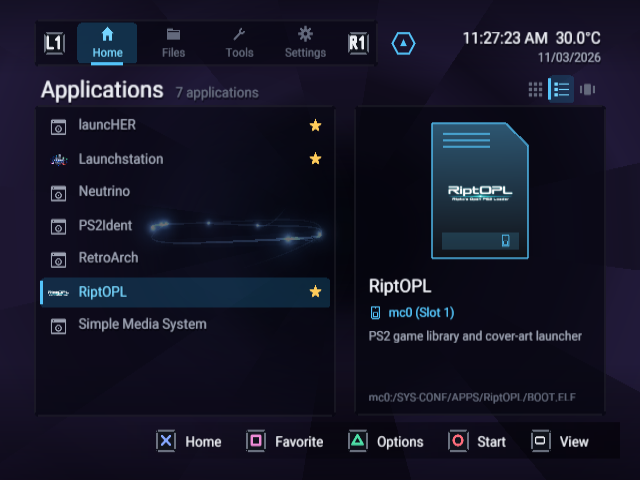
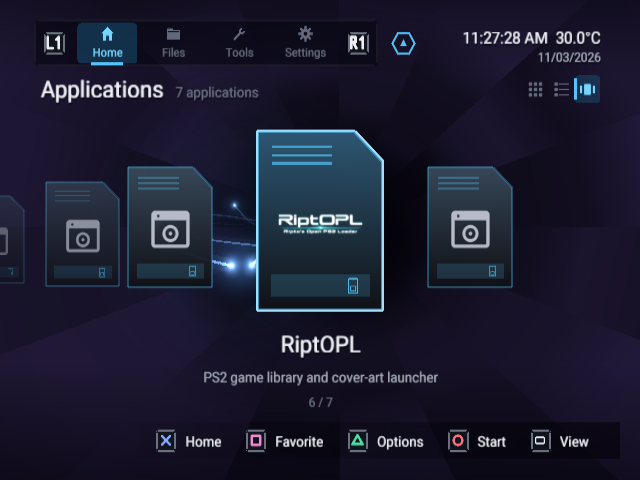
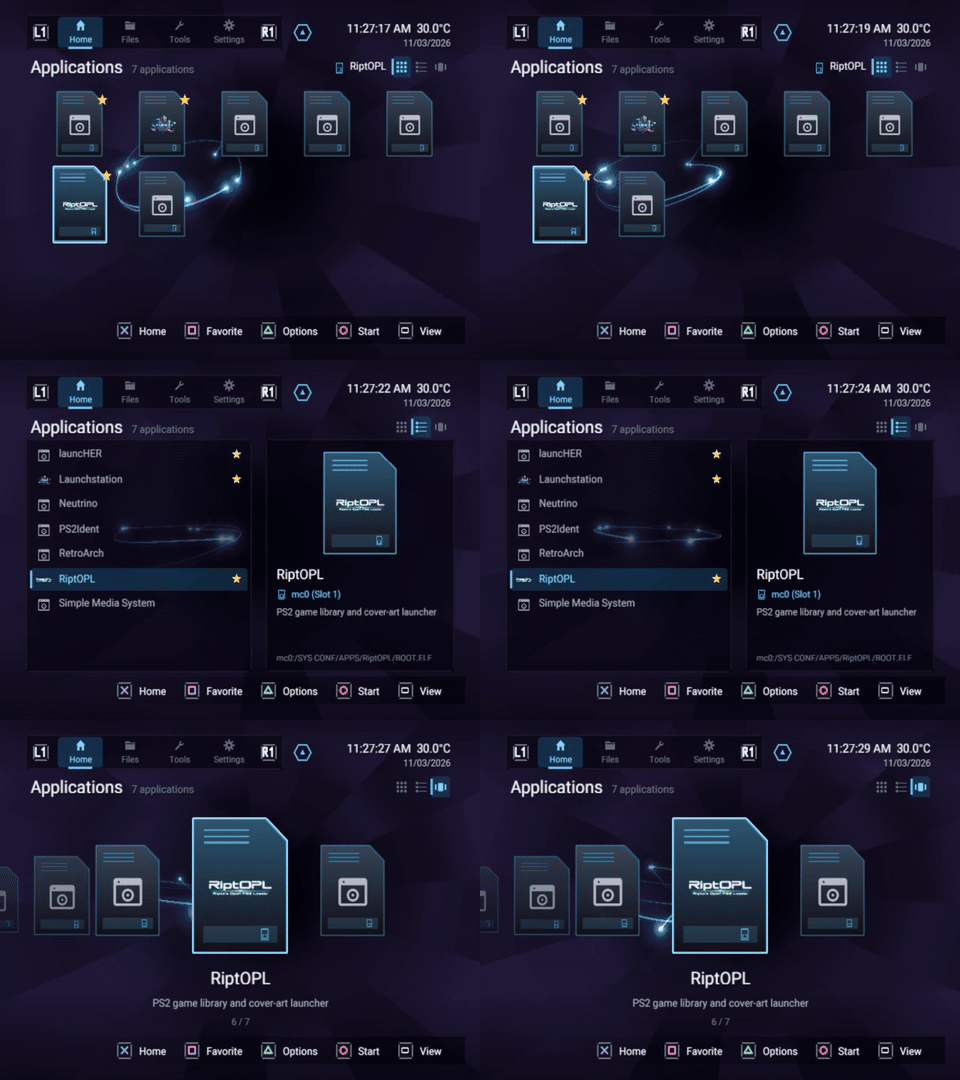
Grid, List and Carousel use the same sample collection. See Applications for the controls and metadata workflow.
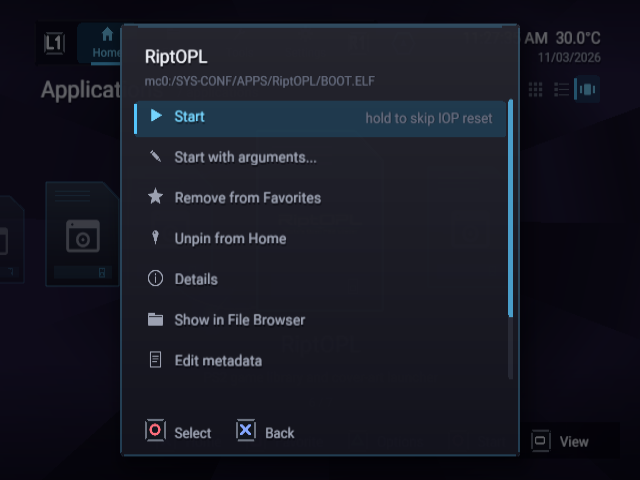
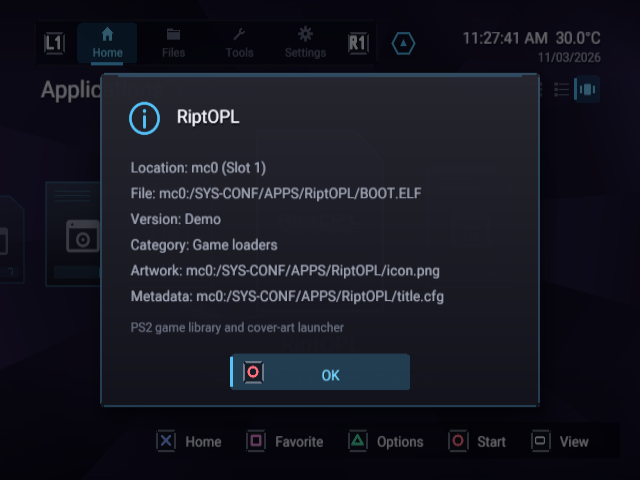
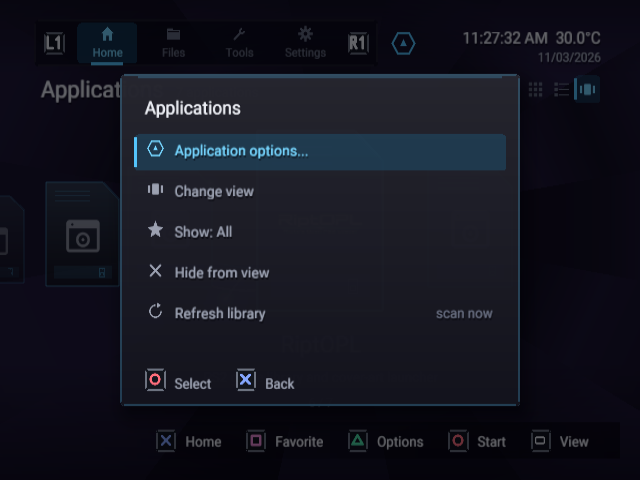
Applications Grid with favorites and artworkApplications List with the selected app descriptionApplications CarouselPer-application optionsApplication details and metadata sourceApplication view, filters and refresh menu
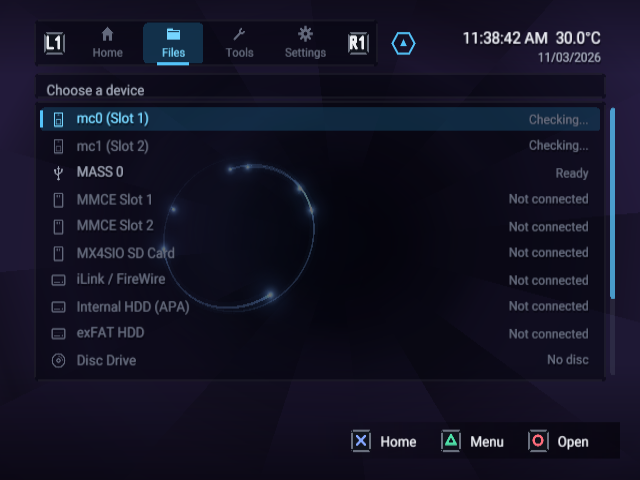
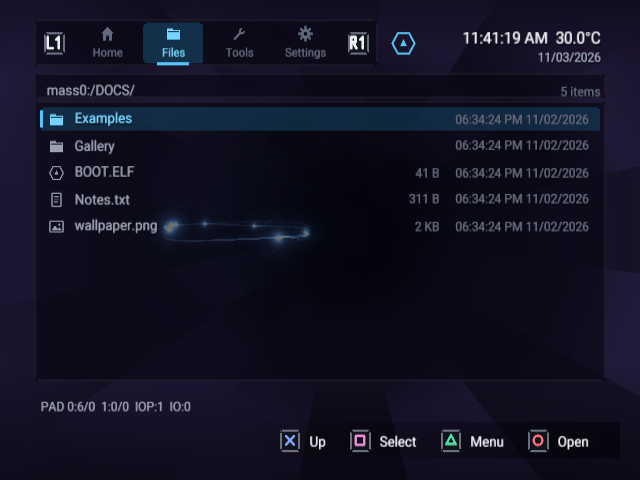
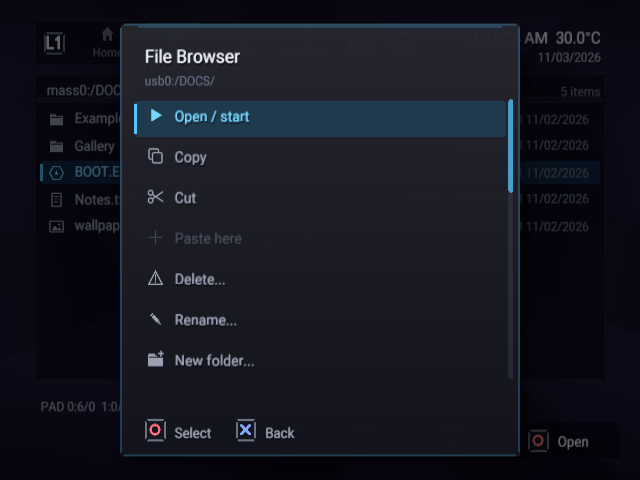
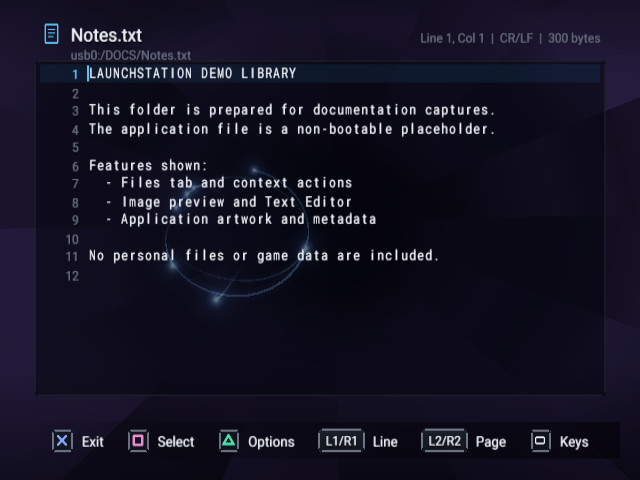
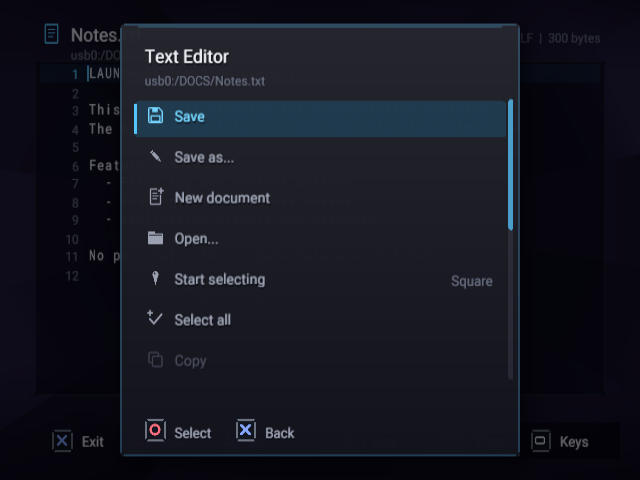
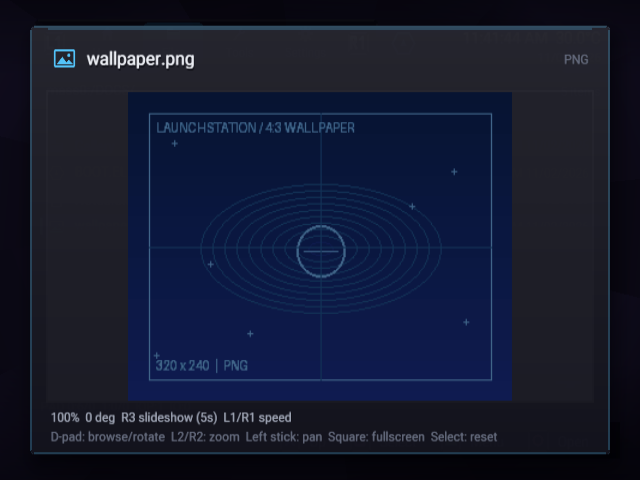
Files device listPopulated USB documentation folderFile operations menuText Editor with a documentation sampleText Editor menuImage viewer showing the supplied wallpaper example
Settings and customization
Explore all captured settings pages
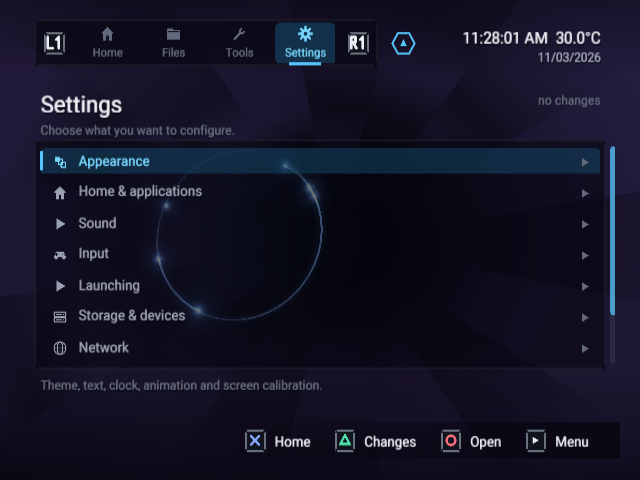
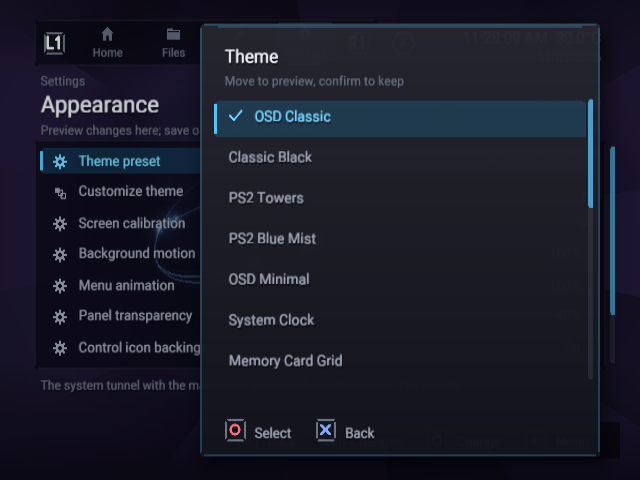
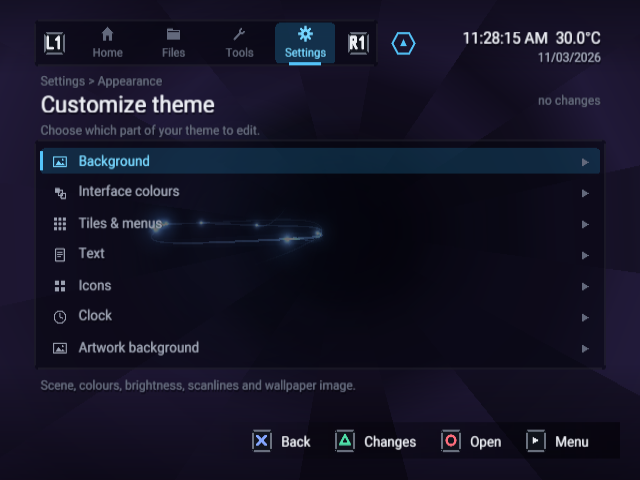
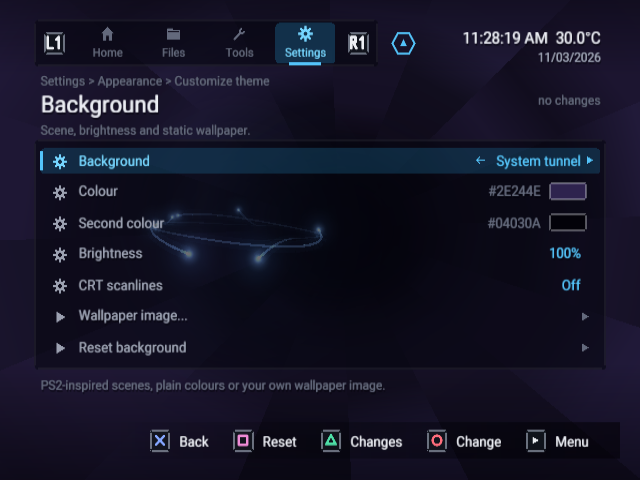
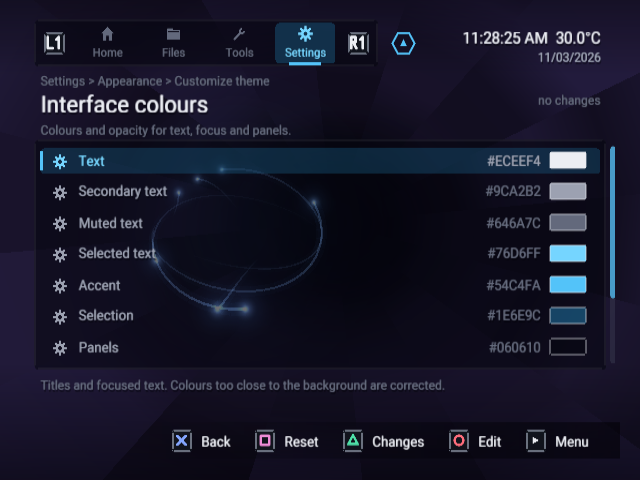
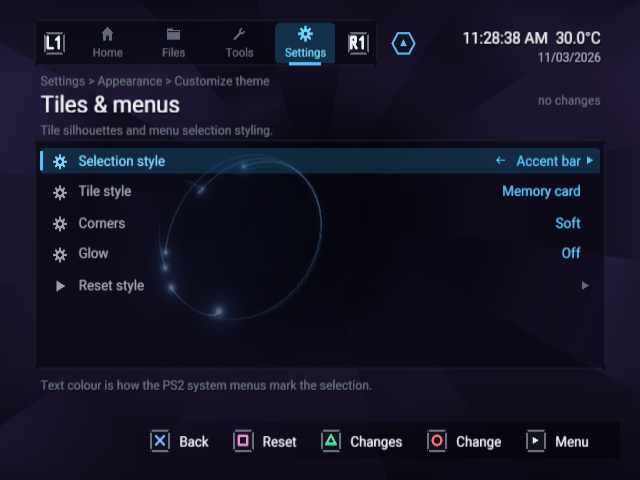
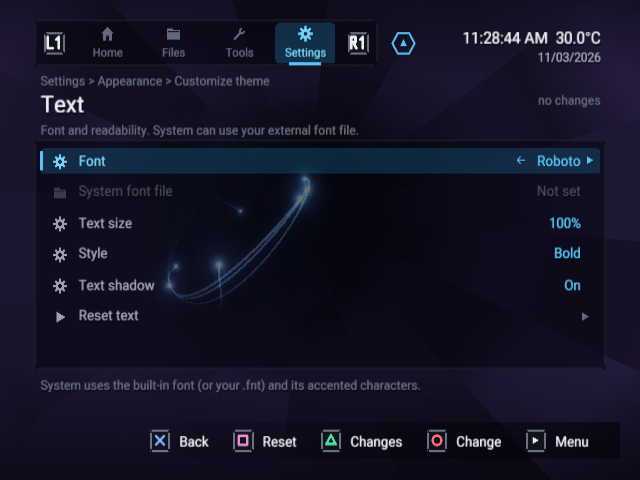
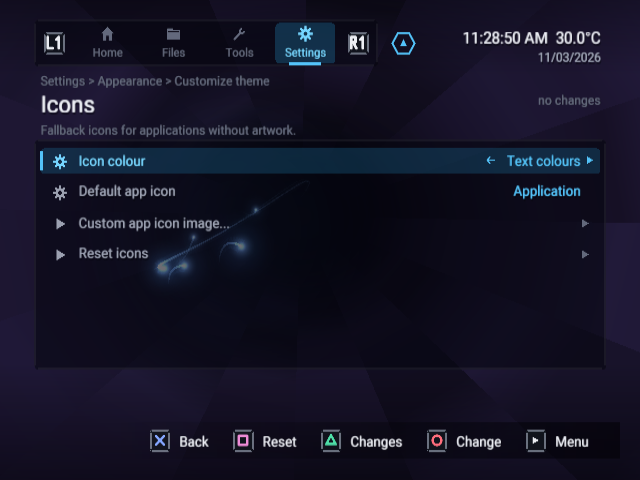
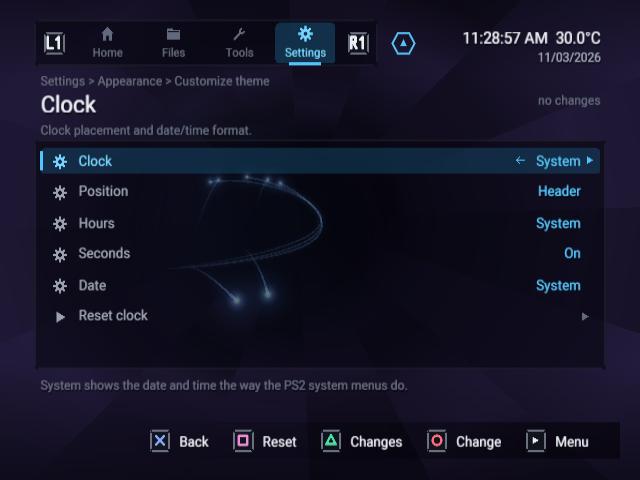
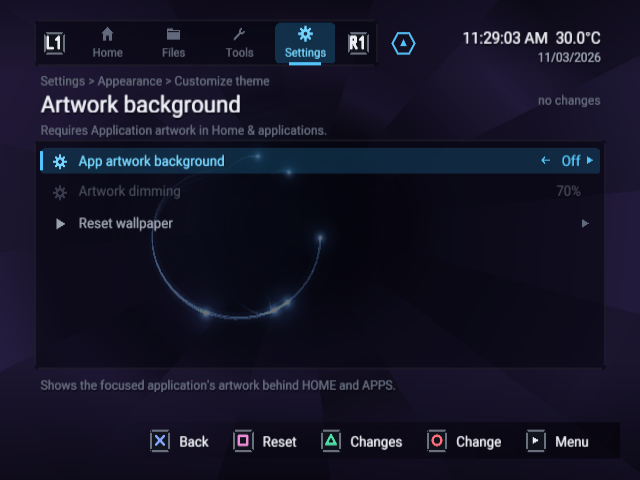
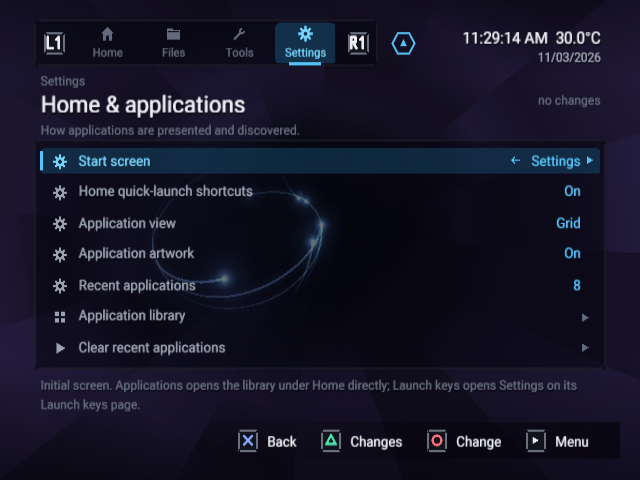
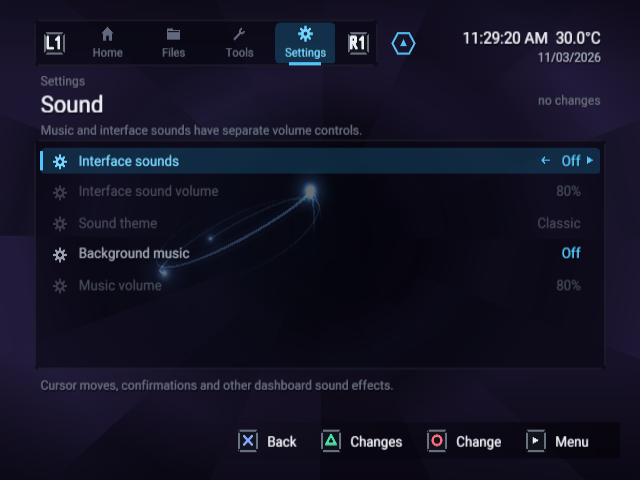
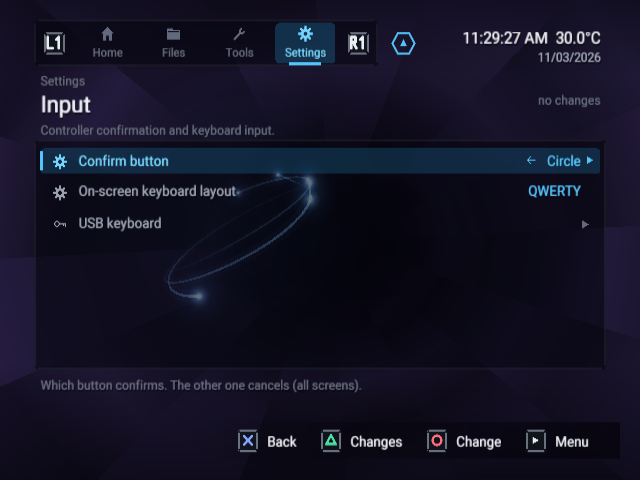
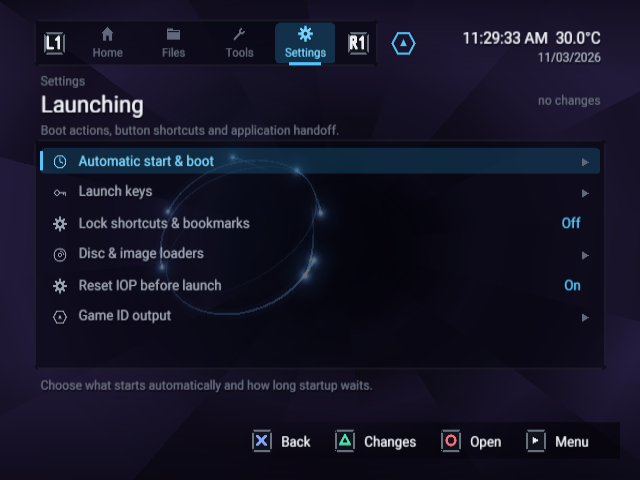
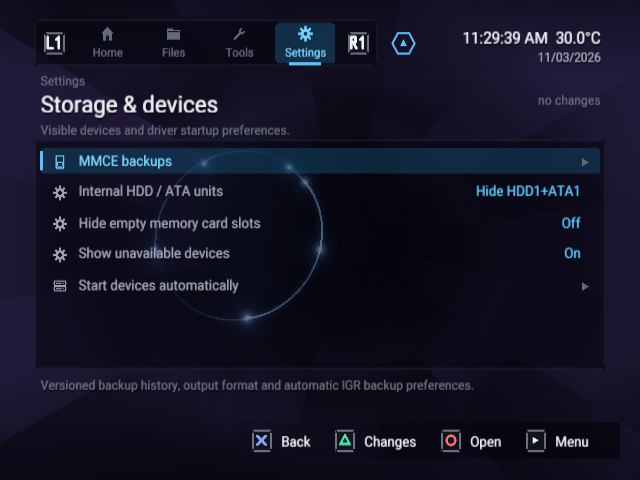
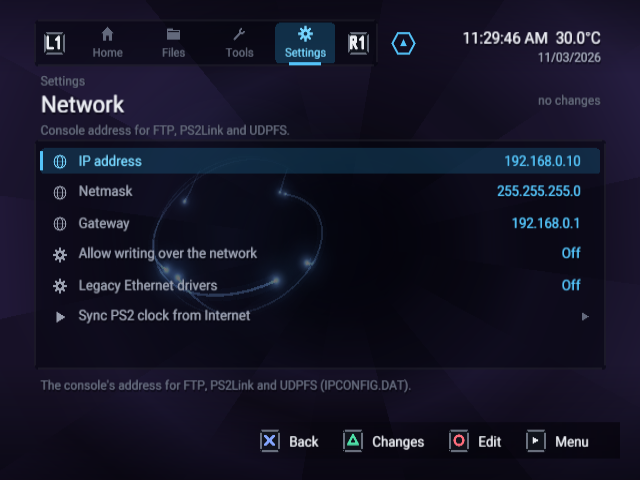
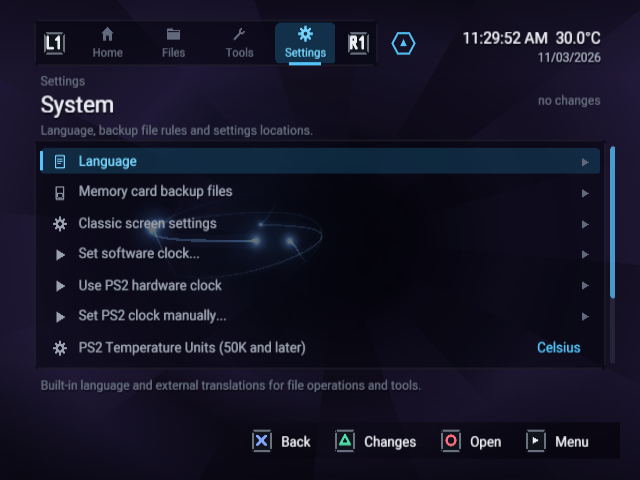
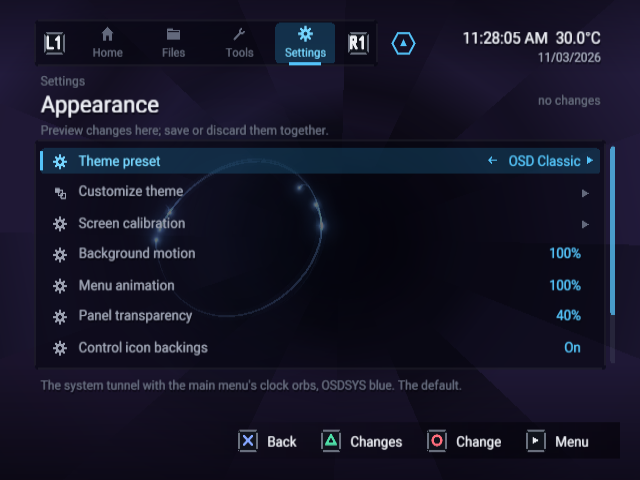
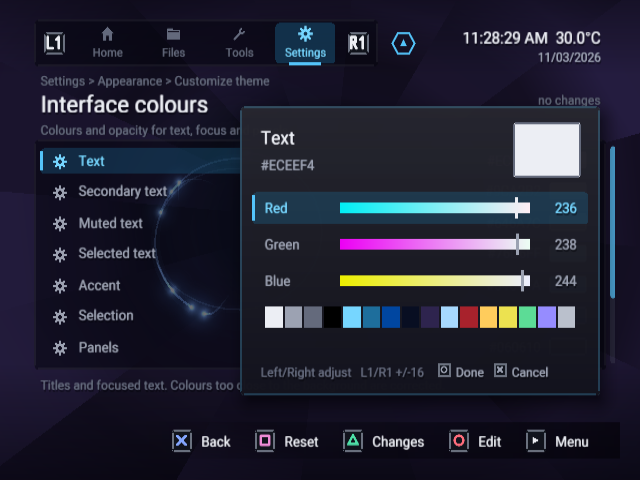
Settings overviewLive theme preset pickerTheme customization groupsBackground, brightness and wallpaper controlsInterface coloursTiles and menu stylingFont and text controlsIcon presentationClock and date controlsFocused application artwork backgroundHome and application-library settingsSound and background-music settingsInput and confirm-button settingsLaunching settingsStorage and device settingsNetwork settings with example addressesSystem and language settingsAppearance controlsColour editor with RGB channels and palette
Tools and configuration dialogs
Explore tool, loader and backup screens
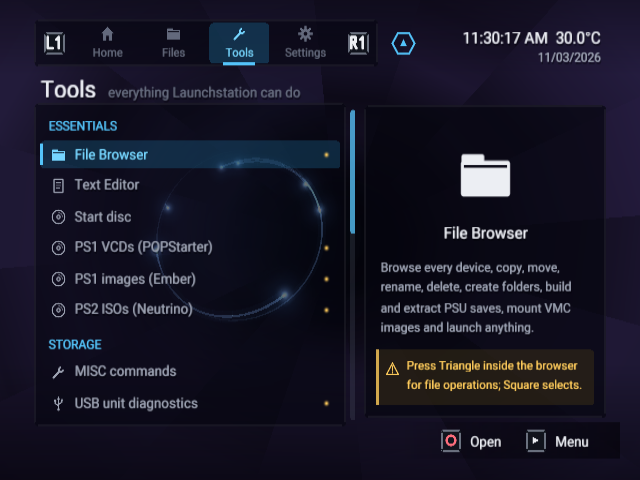
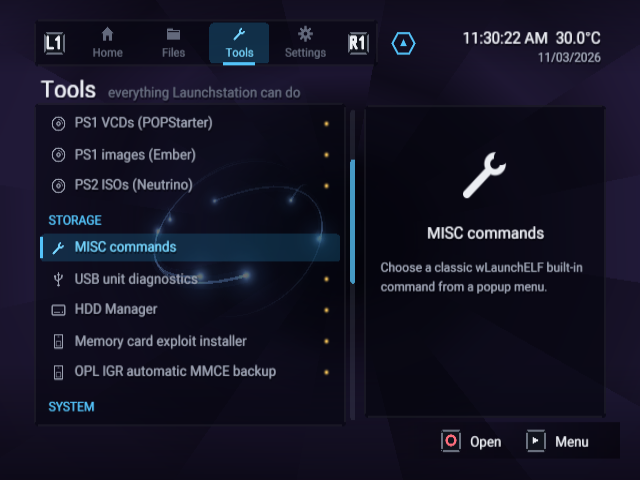
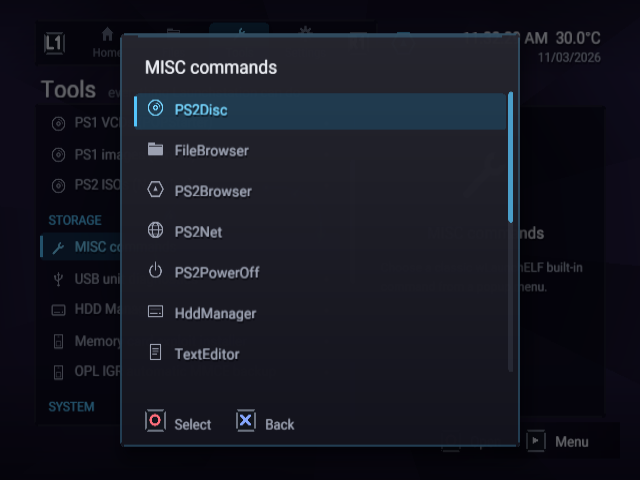
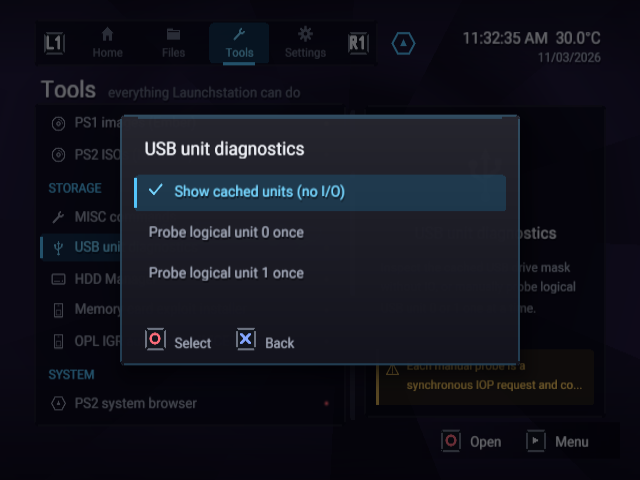
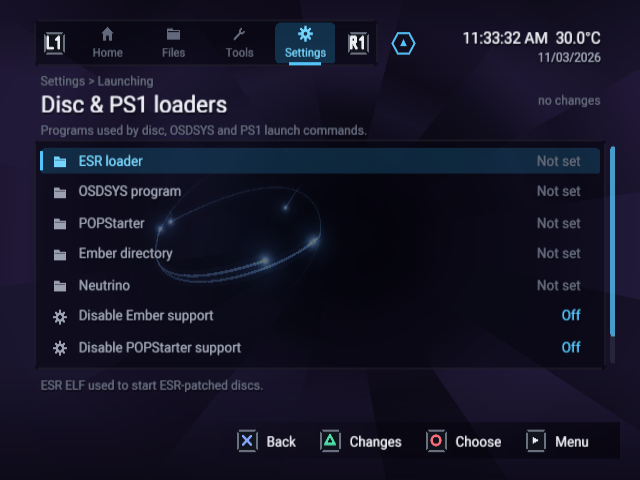
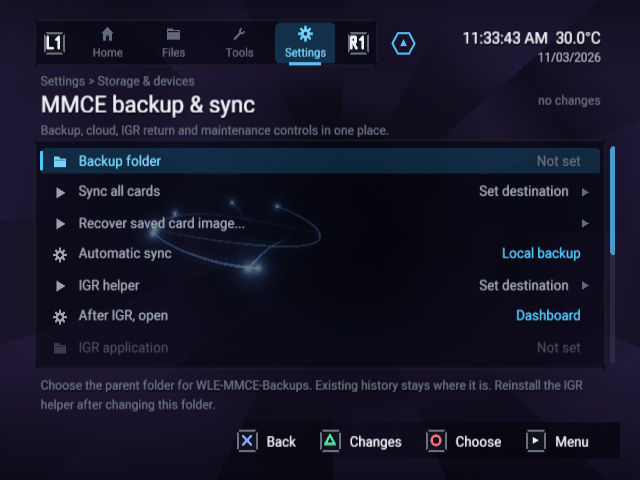
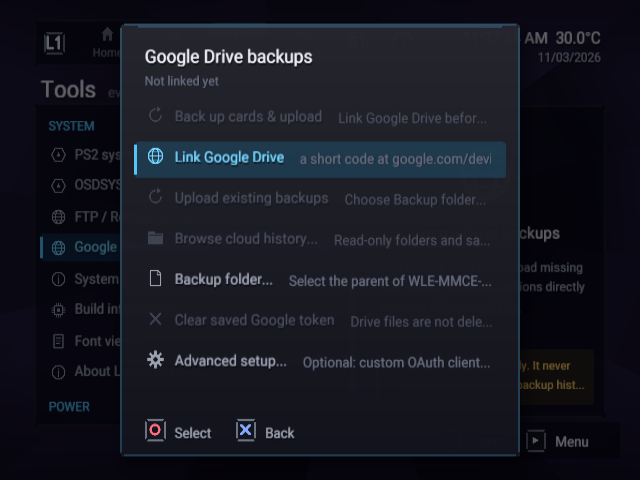
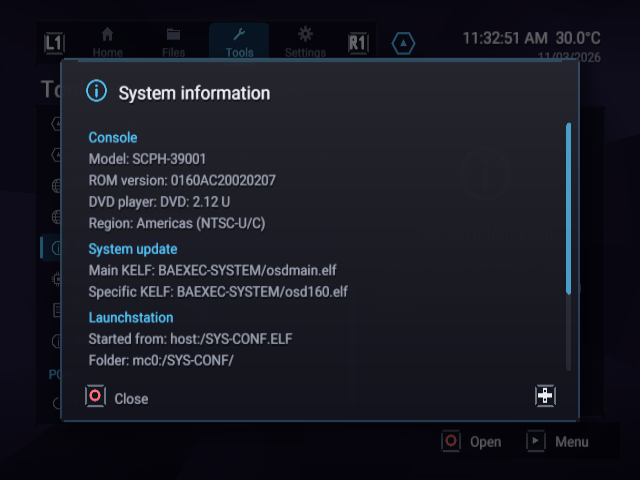
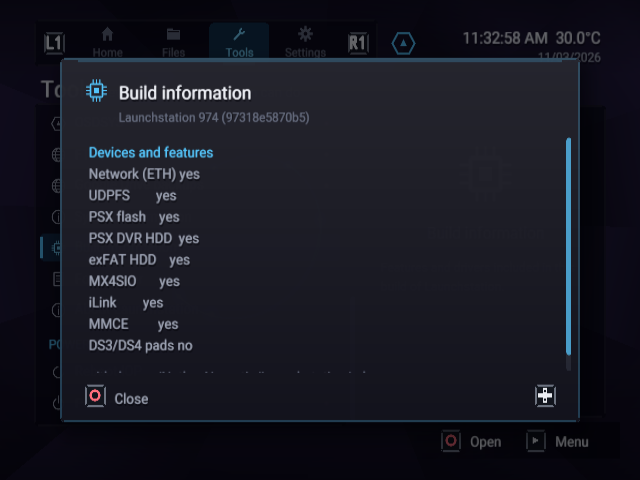
Tools essentialsStorage toolsBuilt-in MISC commandsUSB unit diagnostics menuDisc and image-loader configurationMMCE backup and synchronization controlsGoogle Drive backup menu before linkingEmulated console and boot-path informationBuild capabilitiesLaunchstation version and credits
Configuration values are examples from the isolated lab. Network addresses are sample defaults. Cloud is not linked, and no storage, backup, exploit-install or game-launch success is implied.
Capture notes
The PNG frames are unmodified native emulator output. Motion clips preserve the 4:3 display ratio at 640 × 480, 20 fps. GIF highlights are 480 × 360 at 6 fps. Application artwork uses the RiptOPL and Launchstation project logos; other sample entries demonstrate native fallback icons. No BIOS, memory-card image, application binary, account or personal data is published.