R4D DOCS
Recovery for Dummies documentation
Project maintained by NathanNeurotic Hosted on GitHub Pages — Theme by mattgraham
How to Start the R4D from USB Stick
You can’t. :) Recovery for Dummies (or R4D for short) is a collection of tools, not a standalone application. It relies on existing methods to replace the boot menu or automatically launch a special version of OSDMenu, which means it requires an already hacked console.
It is also very important to write the disk image to the USB stick correctly (see How to Write the R4D Disk Image to a USB Stick.md). Otherwise, some features may not work properly.
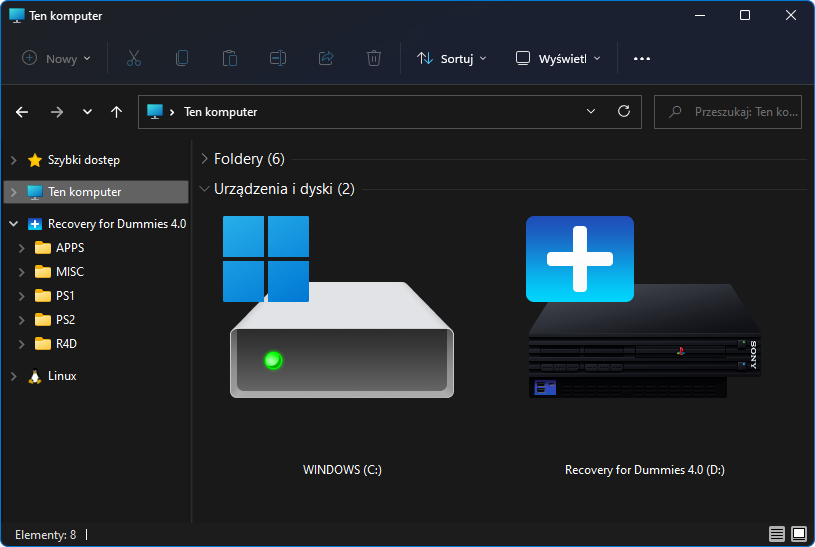
DESR models do not have rom0:OSDSYS, so the OSDSYS patcher cannot be used on them. Instead, press R1 to start wLE R3Z. Then, choose an application from usb:/APPS/<application>/*.elf to start it.
Free McBoot & Free HDBoot
When you start FMCB or FHDB by any method (for example, as a standalone application, as a System Update, or via OpenTuna/FunTuna) with the R4D USB stick inserted, you should see the replaced menu. This happens because usb:/FREEMCB.CNF is used instead of the configuration file stored on your PS2 Memory Card or internal Hard Disk Drive.
Note: The R4D menu displays the actual version of the running FMCB for 1.9xx versions. For older versions, it displays %VER% because this parameter had not yet been implemented. This means that FMCB is 1.8c or older.

PlayStation 2 Basic Boot Loader
When you start PS2BBL by any method (for example, as a standalone application, as a System Update, or via LoadBOOTer) with the R4D USB stick inserted, you should see the replaced menu. This happens because usb:/PS2BBL/PS2BBL.INI is used instead of the configuration file stored on your PS2 Memory Card or internal Hard Disk Drive, automatically launching OSDM (OSDMenu) with the embedded configuration (usb:/APPS/OSDMenu/OSDMenu for R4D.elf).

PlayStation 2 Basic Boot Loader Extended
When you start PS2BBLE by any method, the INI file on the USB stick is not searched for, unlike with the PS2BBL application. If your CONFIG.INI is missing or corrupted, PS2BBLE allows you to start usb:/RESCUE.ELF. However, to avoid conflicts with FMCB, I did not include this file. Copy usb:/APPS/OSDMenu/OSDMenu for R4D.elf to usb:/ and rename it to RESCUE.ELF. When PS2BBLE prompts you to start rescue mode, press the R1 and Start buttons.
Swap Magic
When you start SM by any method (for example, as a standalone application or from an original optical disc) with the R4D USB stick inserted, you should see the replaced menu. This happens because OSDMenu with the embedded configuration is launched from usb:/SWAPMAGIC/SWAPMAGIC.ELF.
Swap Magic must be version 3.6 or 3.8, because version 3.3 does not support USB. Also, keep in mind that Swap Magic uses very old USB modules. They are quite picky, so many USB sticks may not be recognized or may not work properly.
Dev.olution Mode 3
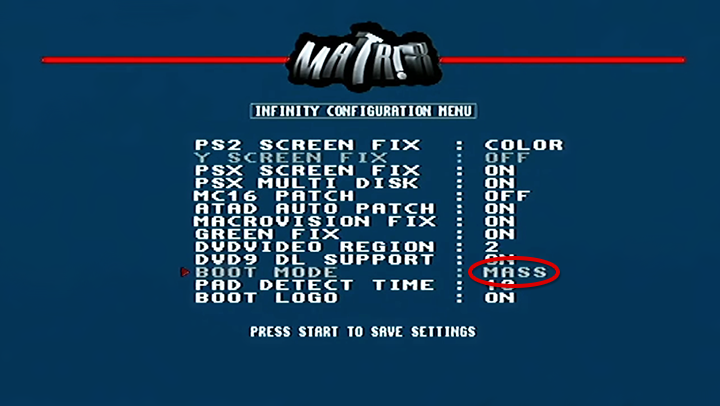
If your console has a Modbo modchip with the DEV3 feature, you can configure it to boot automatically from MASS (the USB device). This works because the modchip launches its built-in firmware application loader, which reads the configuration from usb:/system/config.txt.
Berion
2026-08-17
➜ Go back to main page